ReelStack is an app for iPhone and iPad for people with too many streaming services. Tell it which ones you pay for, once, and it tells you what to watch tonight and where: which of your services has the show, where you left off, and the day a new episode is out. Tap, and it opens the right app on the right title. There is no account and no subscription: one $4.99 payment, and your library lives in your own iCloud rather than on a server. It is built by one independent developer and is available on the App Store worldwide.
Download everything (zip, 24 MB)
Icon at 1024 px, iPhone screenshots at 1320 x 2868, iPad screenshots at 2064 x 2752 and 2048 x 2732. All PNG, all unframed. Use any of it freely.
Quick facts
| Name | ReelStack |
|---|---|
| What it is | One front door for all your streaming apps: which of your services has a title, where you left off, when the new episode is out, and a pick when you cannot decide. Opens each streaming app to the right title in one tap |
| Platforms | iPhone and iPad. No Android, no web |
| Price | Free for the first eight titles, then a single $4.99 purchase. No subscription, no ads, no second tier |
| Accounts | None. Nothing to sign up for. Library syncs between your own devices through iCloud |
| Availability | App Store worldwide. Streaming availability shown for over 130 countries |
| First release | July 2026 |
| Current version | 2.0 |
| Developer | Michael Kort, independent |
| Data source | TMDB for titles, episodes and streaming availability |
| App Store | apps.apple.com/app/id6768630222 |
| Website | getreelstack.com |
| Press contact | [email protected] |
The short version
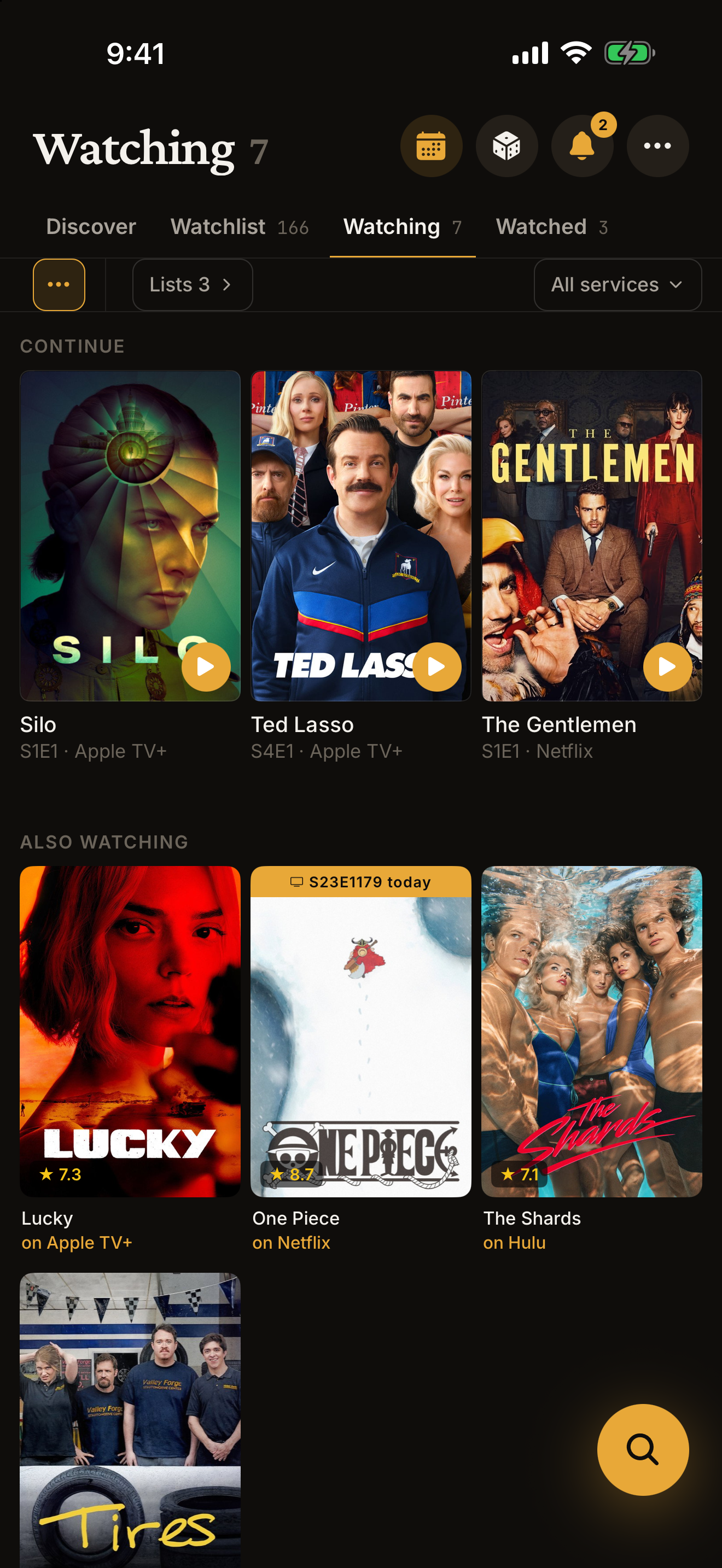
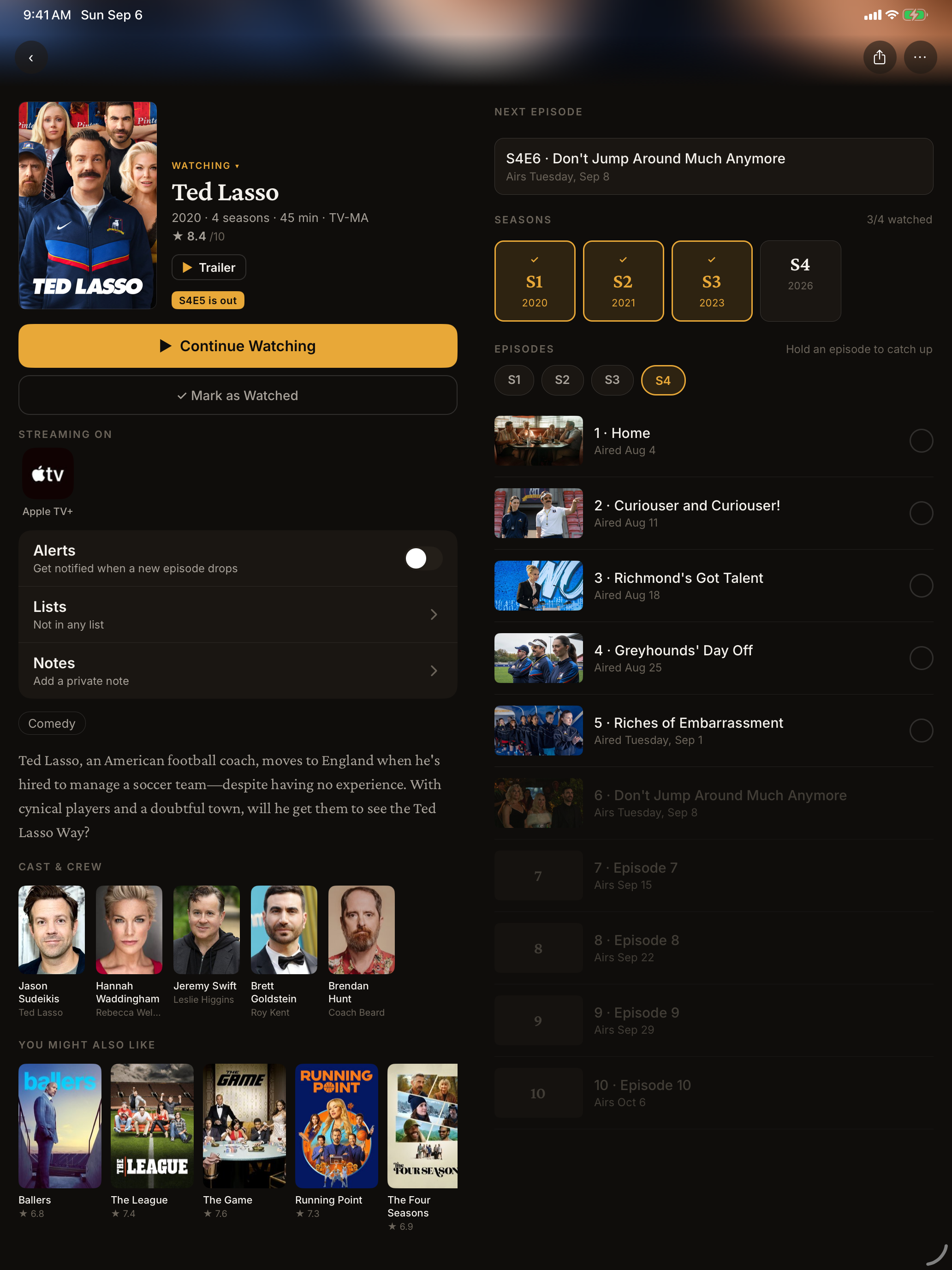
The hard part of streaming is no longer finding something good. It is remembering which of five apps has it, whether the new episode is out, and where you stopped. ReelStack answers all of that before you open a single streaming app. You tell it which services you pay for, once. From then on every title says "on Netflix" when you have it, "you'd need Hulu" when you do not, and Rent when it is only a rental. The shows you are partway through sit at the top with the next episode and a play button that opens the right app. Come back afterwards, answer "Did you finish it?", and your progress moves itself. And on the nights you cannot decide, Pick for me gives one answer, from what you have saved, on a service you have.
It is also built the other way round from most of its category. Most TV trackers are free apps with an account, a social feed, and a business model that eventually needs your data or a subscription to pay for itself. When TV Time shut down in 2026, years of viewing history went with it for a lot of people. ReelStack is one $4.99 payment, there is no account, and the app never sees your library because there is no server for it to sit on.
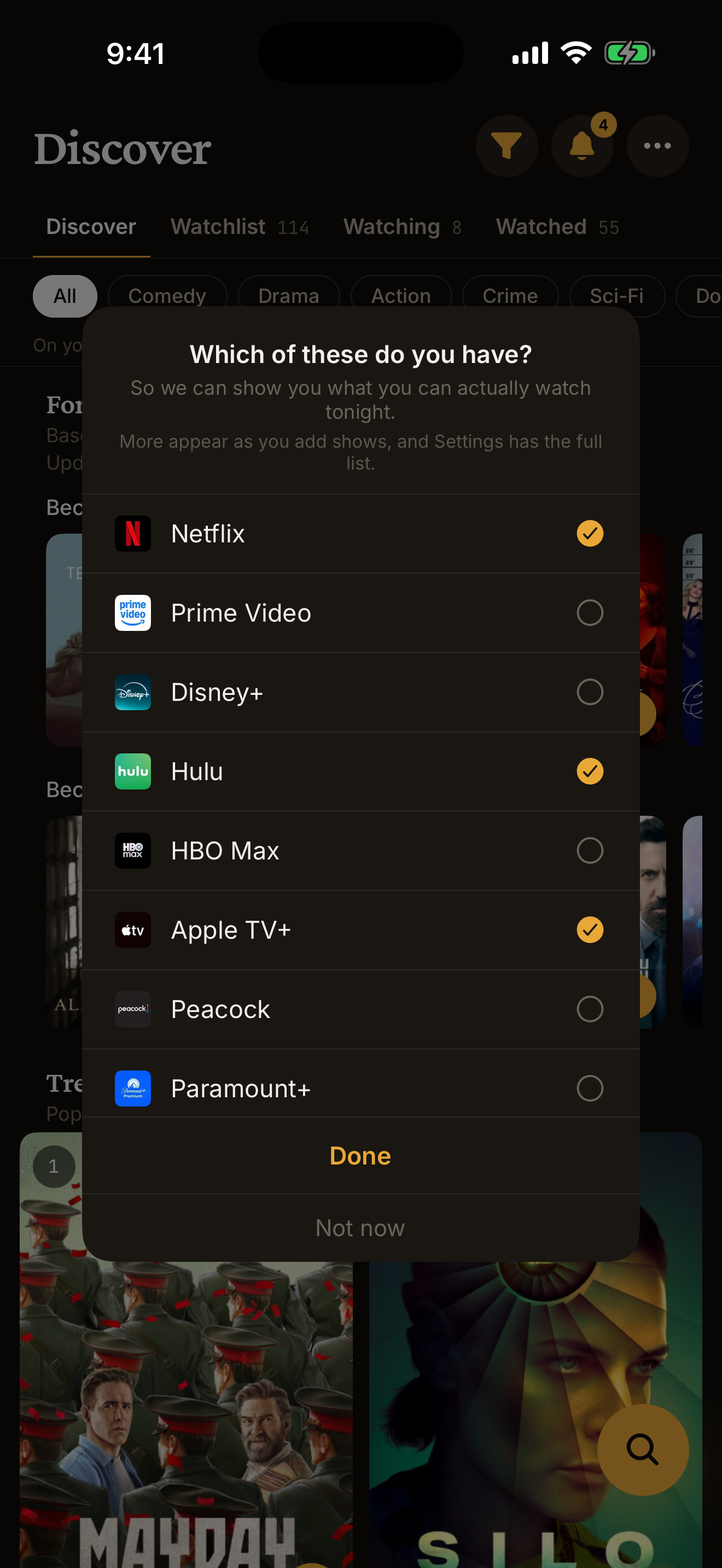
Version 2.0 is the release that makes all of that true within a minute of installing. It is the reason the app exists, and the first version that asks the one question that matters on the first screen: which streaming services do you have?
What is new in 2.0
- My services. Tell ReelStack which streaming services you have, once. Every screen from then on answers the question you actually have: can I watch this tonight, without paying again?
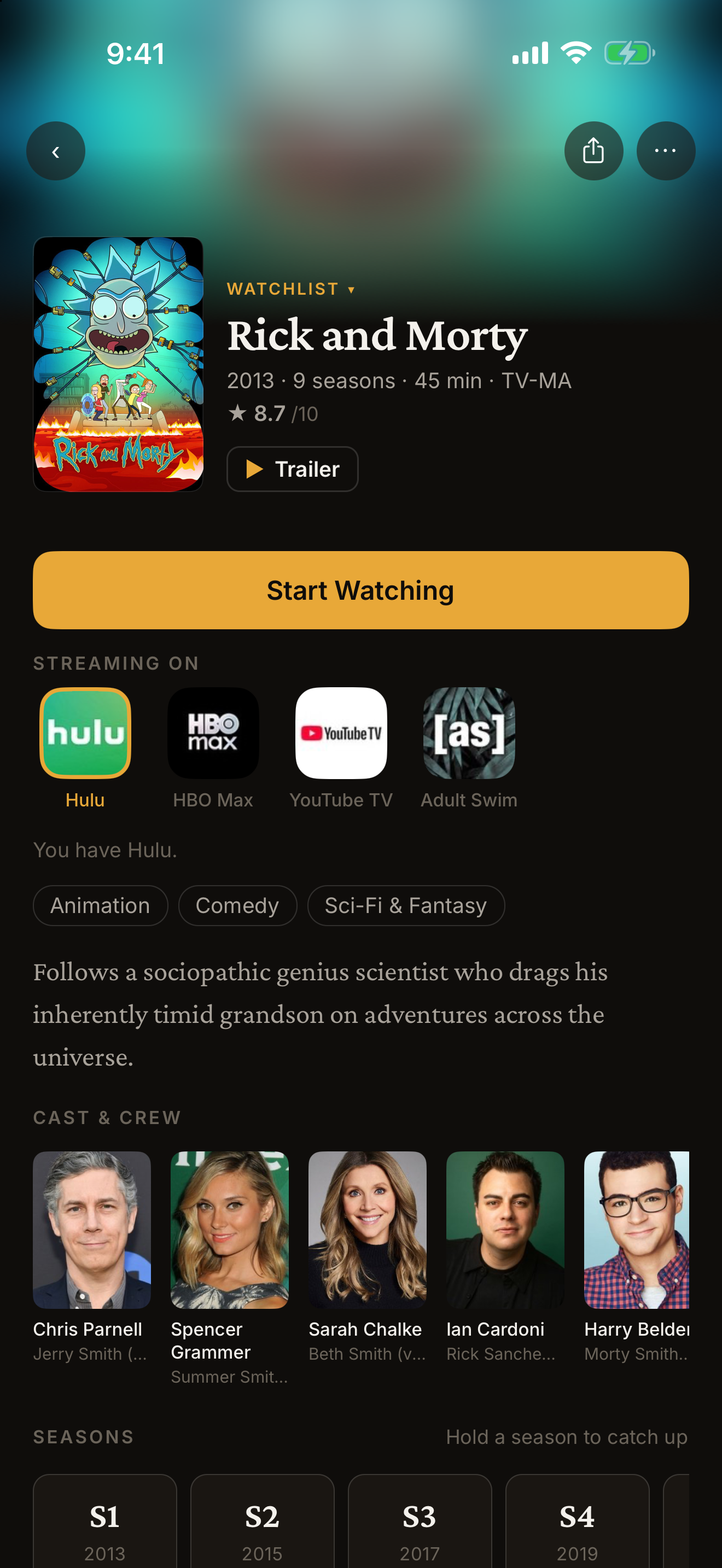
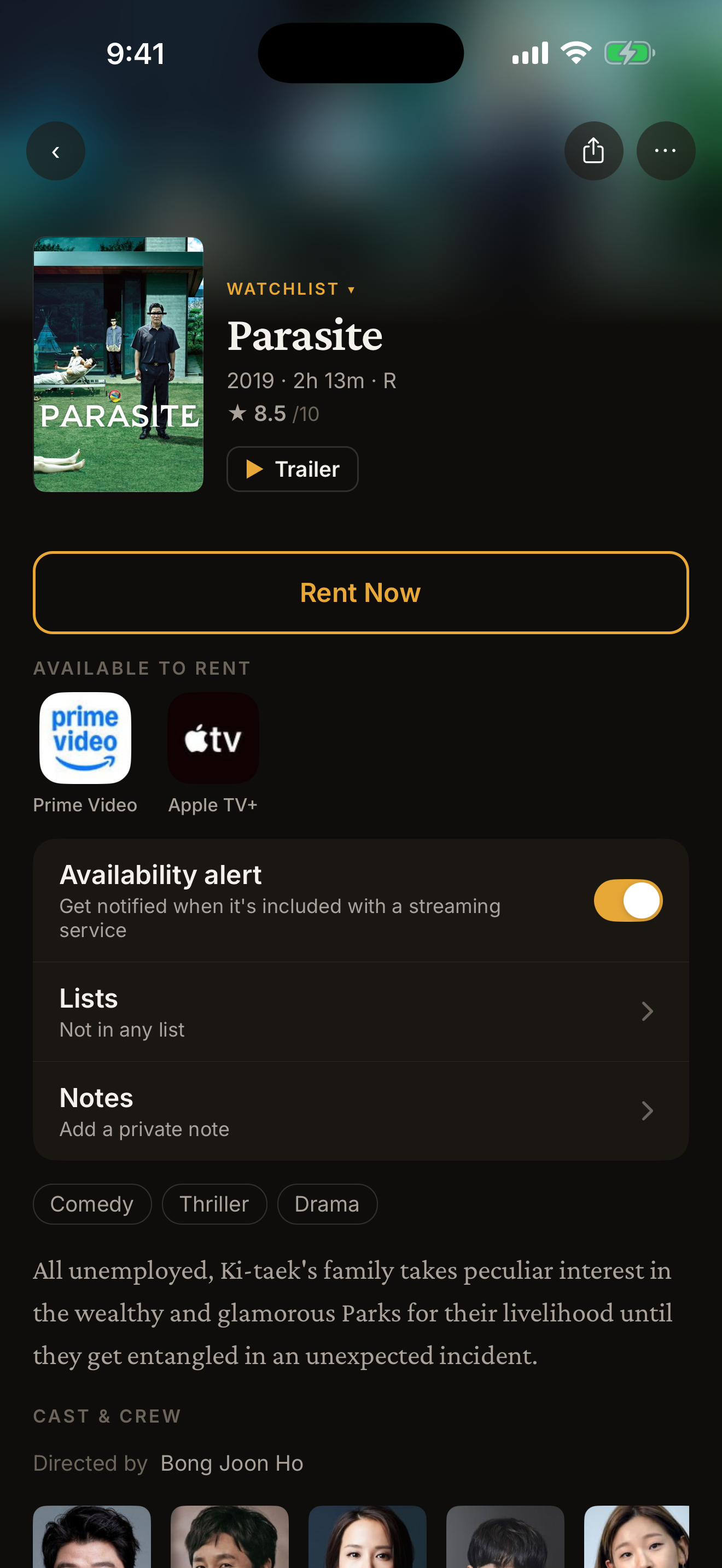
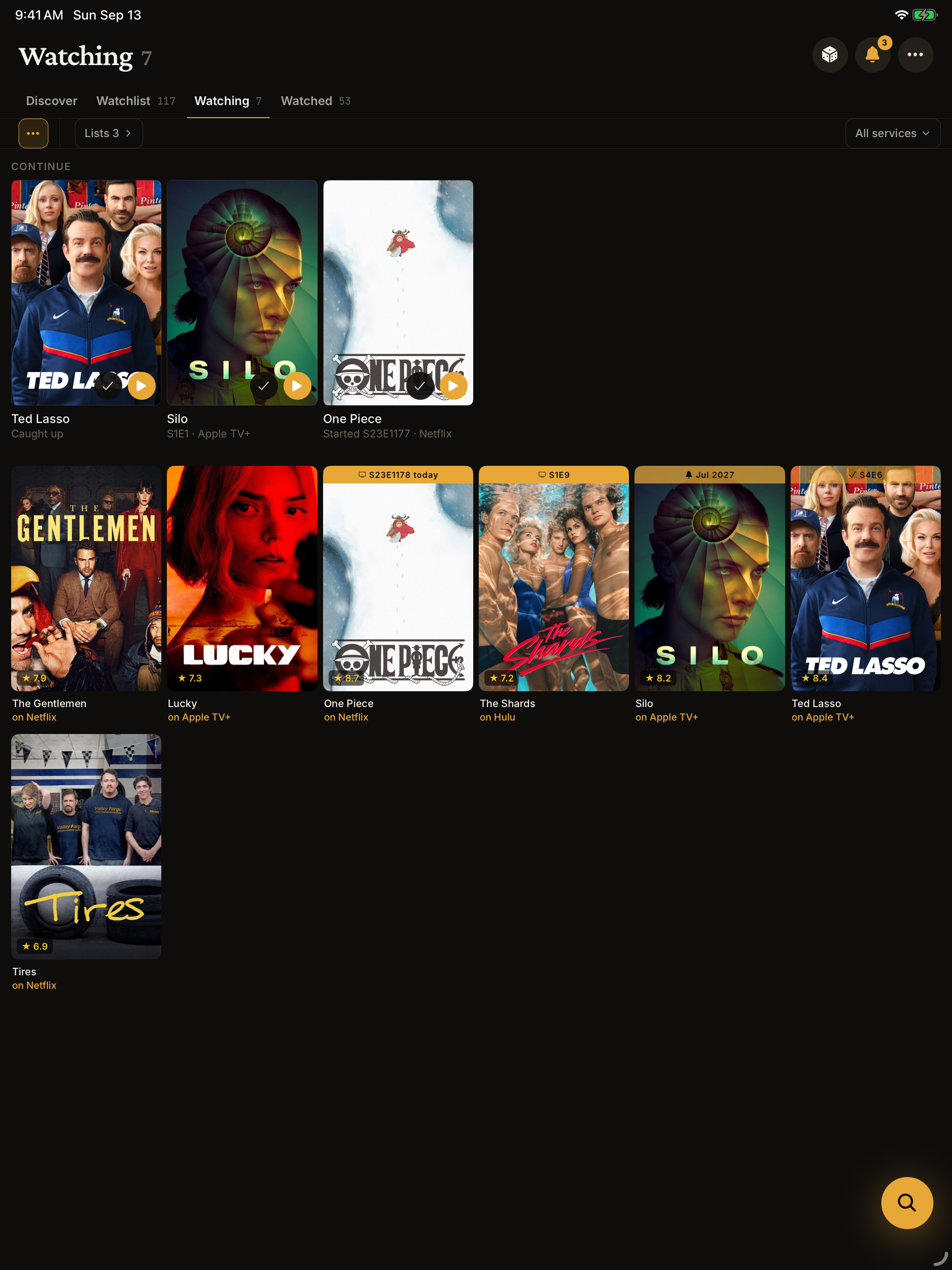
- Included or rent, on every card. "on Netflix" when you have it, "you'd need Hulu" when you do not, and the store when it is a rental.
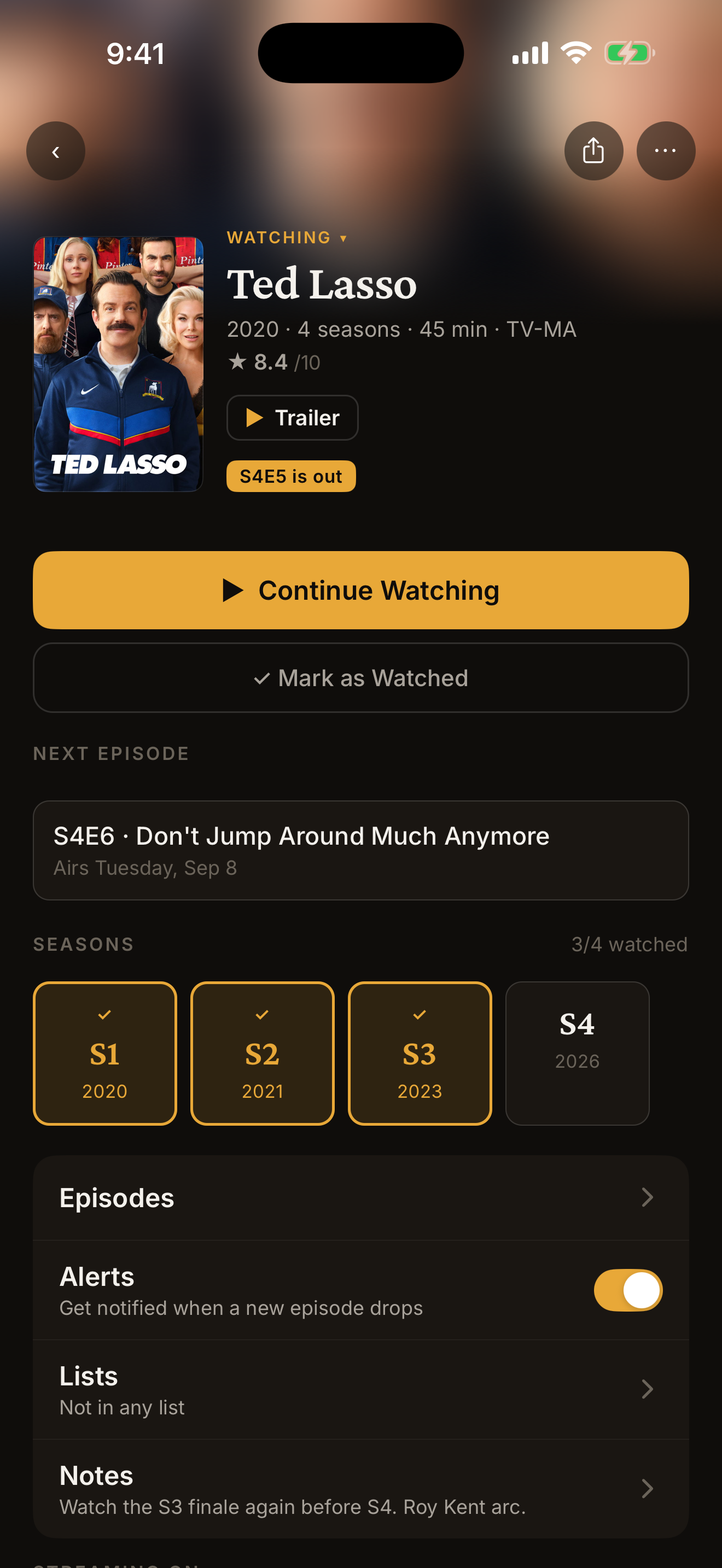
- Continue. The things you are partway through, with the next episode and a play button, right at the top of the app.
- Did you finish it? Come back after playing something and answer one question. Your progress moves itself; nothing to tick.
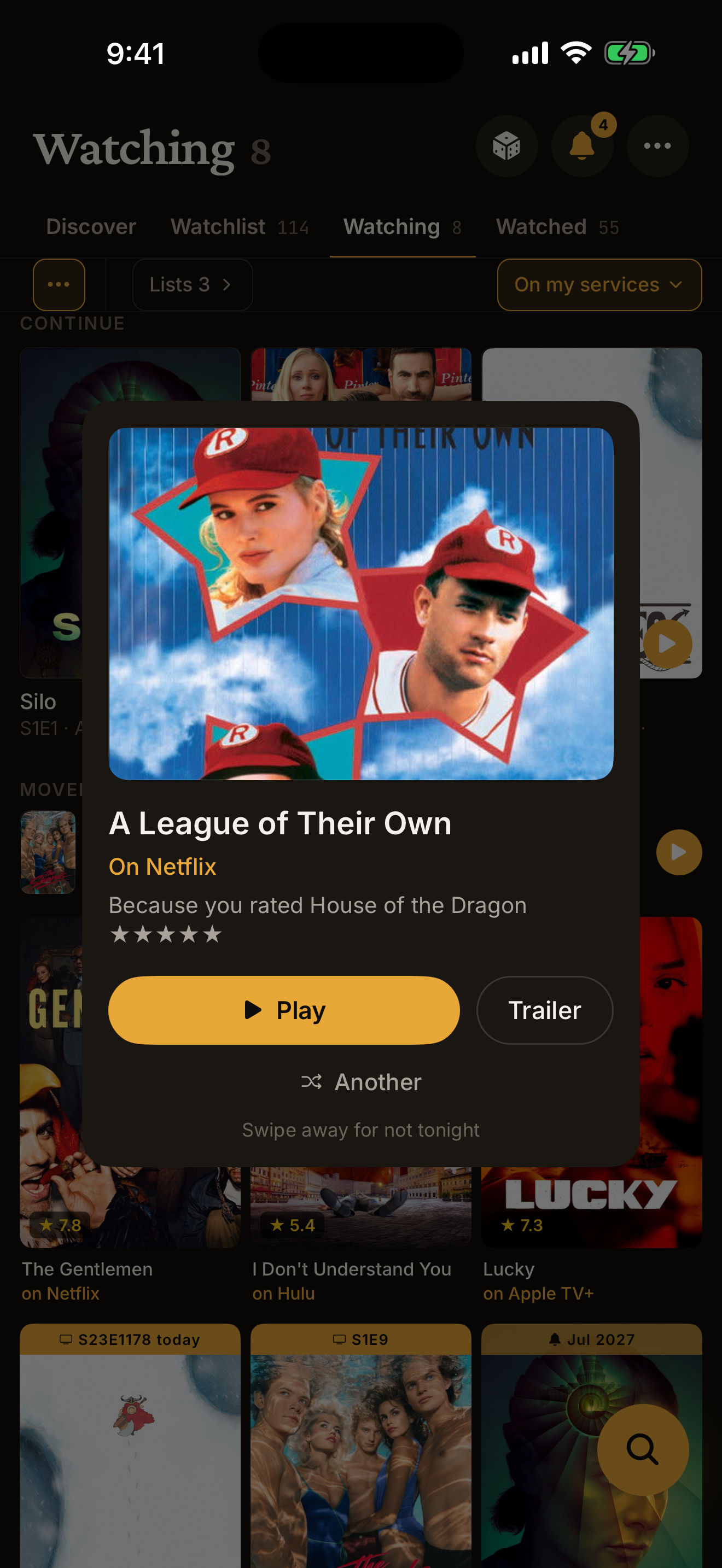
- Pick for me. One answer, from what you have saved, on a service you have. "Not tonight" sends it away until tomorrow.
- Actor and director pages. Tap a name and see what else they are in, with what is streaming on your services first. A Premium feature.
- Landing alerts with nothing to switch on. Save a film you cannot stream yet and ReelStack tells you the day it lands on one of your services. If a saved show moves from one service to another, it says so.
- An age rating ceiling. Set it once and Discover and search honor it, so a kid can look for something to watch.
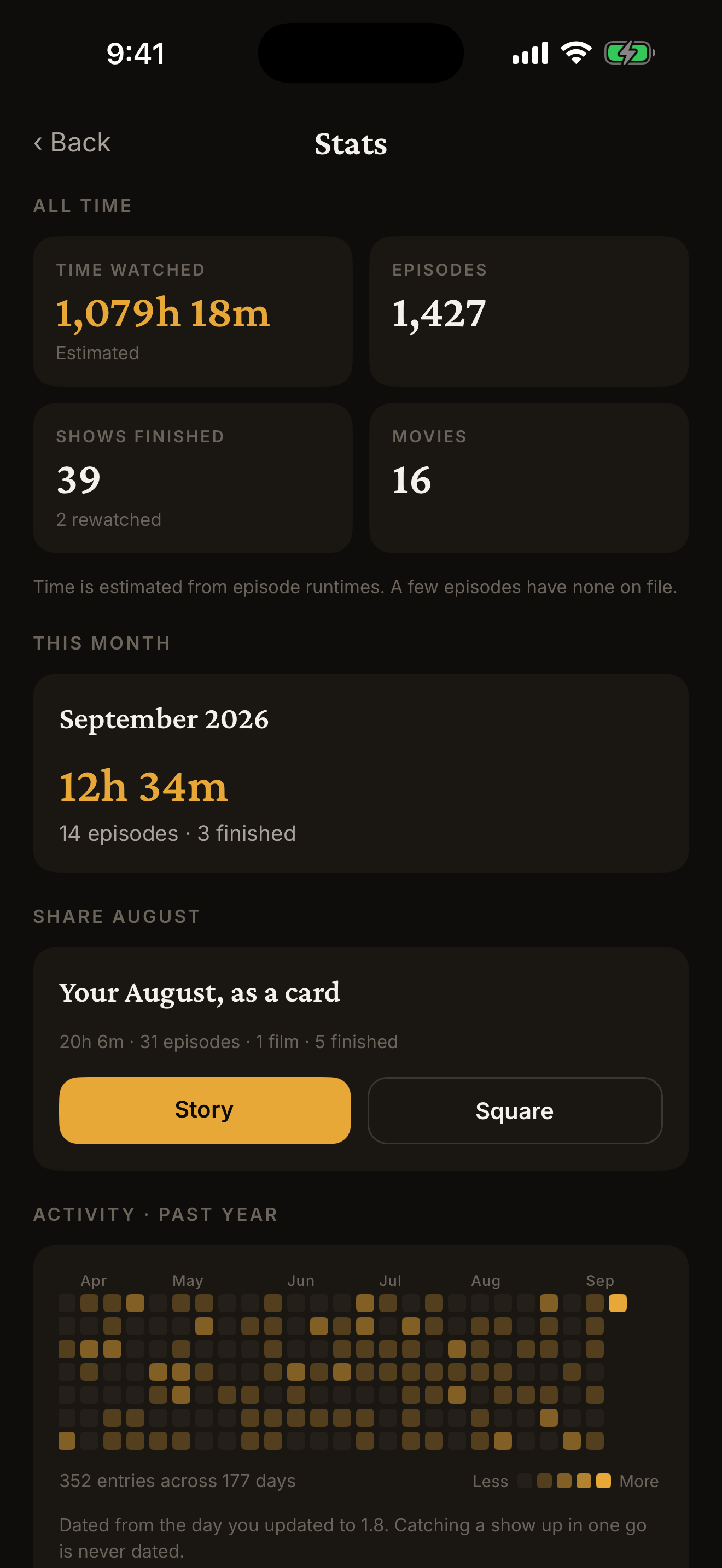
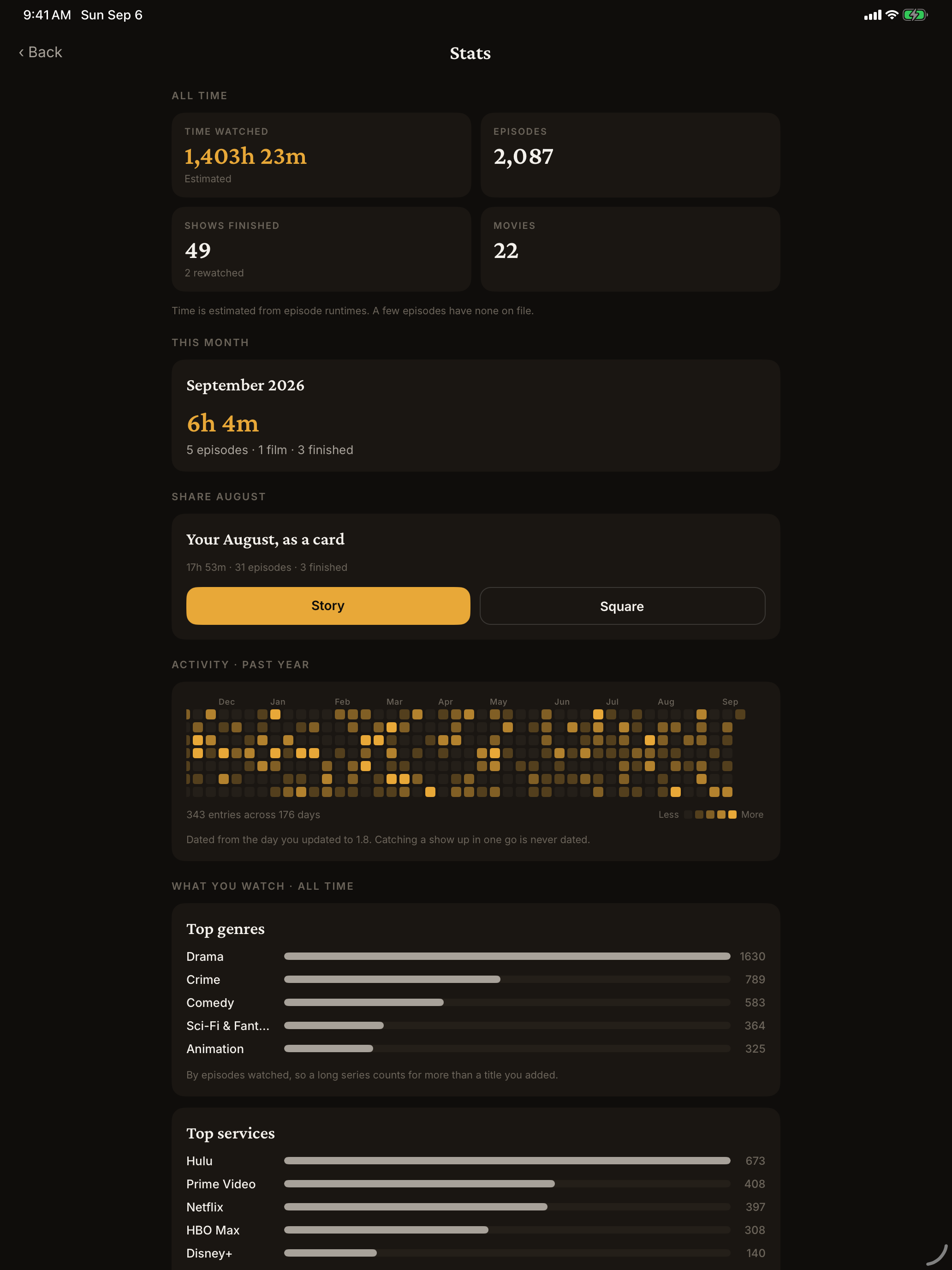
Everything from earlier versions is still here and still free: episode alerts on the day a new episode airs, episode-by-episode tracking, stats and a monthly wrap card, season ratings, watch dates, trailers and private notes, and a real two-column iPad layout.
From the developer
I got frustrated juggling multiple streaming apps and not remembering what I wanted to watch, so I built this. I did not want another app that needs an account and a monthly fee to remember what I have seen. You should be able to buy a tool once, and your own viewing history should not live on someone else's server.
Screenshots
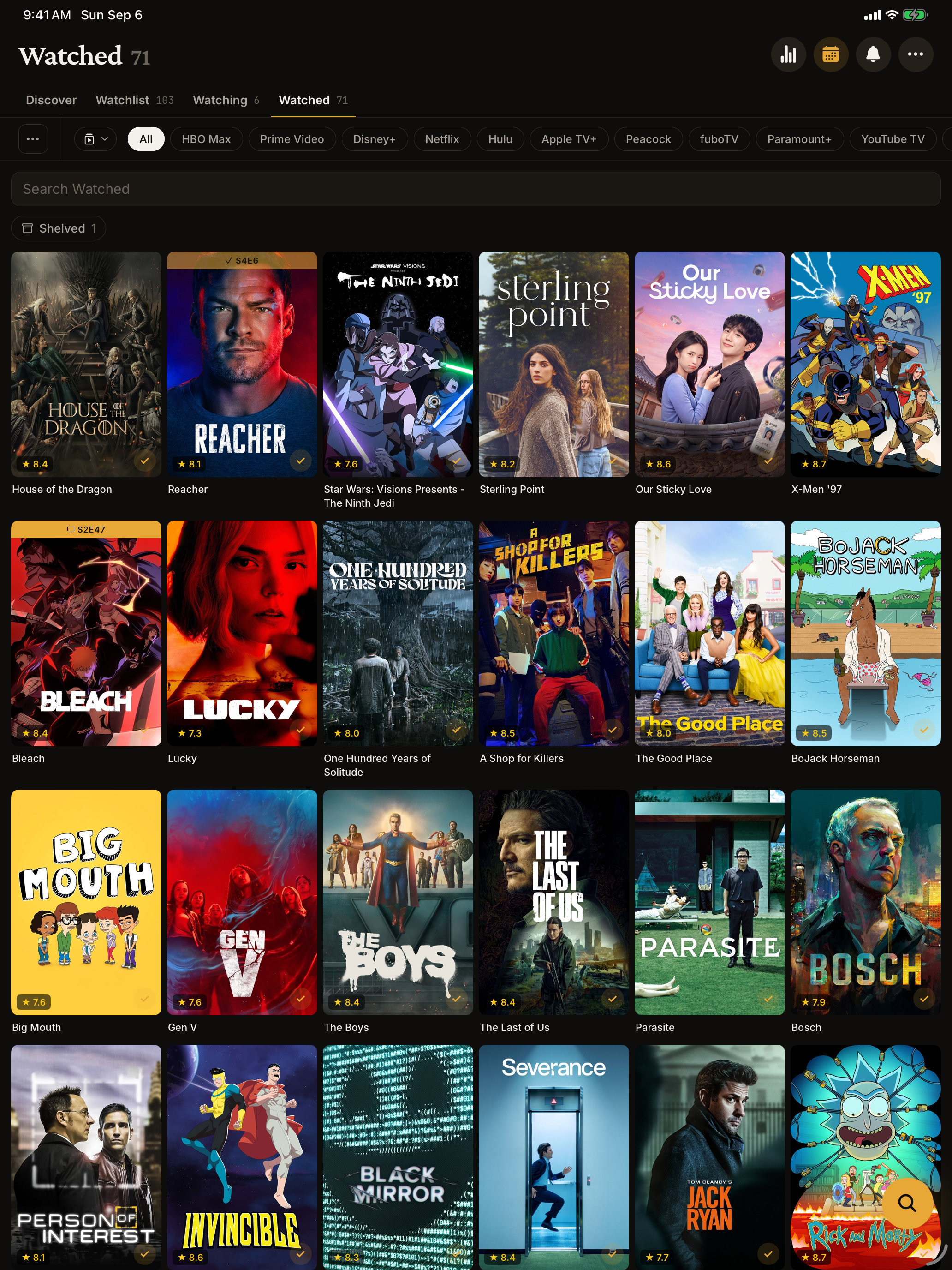
Unframed, straight from the device, dark mode. Tap any image for the full-resolution PNG.
iPhone
iPad
Icon
1024 x 1024 PNG, square, no rounded corners applied. Download
Boilerplate
Copy this as-is if it helps.
ReelStack is an iPhone and iPad app that tells you what to watch tonight and where. Tell it which streaming services you pay for and it shows which of them has each show, where you left off, and the day a new episode is out, then opens the right app in one tap. It keeps a private record of what you have watched, with free stats. There is no account and no subscription: the first eight titles are free, then a single $4.99 purchase unlocks everything. Your library lives on your device and in your own iCloud, never on a server. ReelStack is made by independent developer Michael Kort, files under TV trackers on the App Store, and is available worldwide.
Review copies
The app is free to download and the first eight titles are free, so you can try everything without paying. If you would like Premium unlocked for a review, email and a promo code will come back the same day.